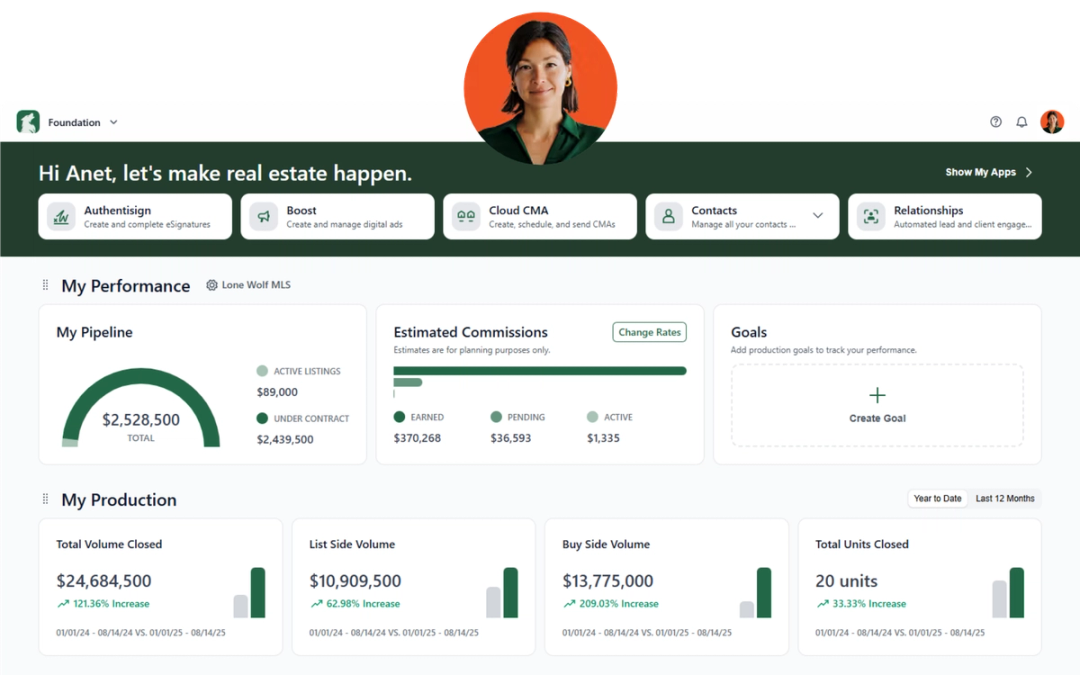
Each month, we’re rolling out software updates designed to make your day smoother—whether you’re nurturing leads, managing transactions, or running your business. Here’s everything new from Lone Wolf for December.
Lone Wolf Transact
NEW: Share Groups
We’ve introduced Share Groups, making team collaboration smoother than ever. You can now add the agents you work with most into a shared group, and every member can share their own transactions directly with the rest of the group.
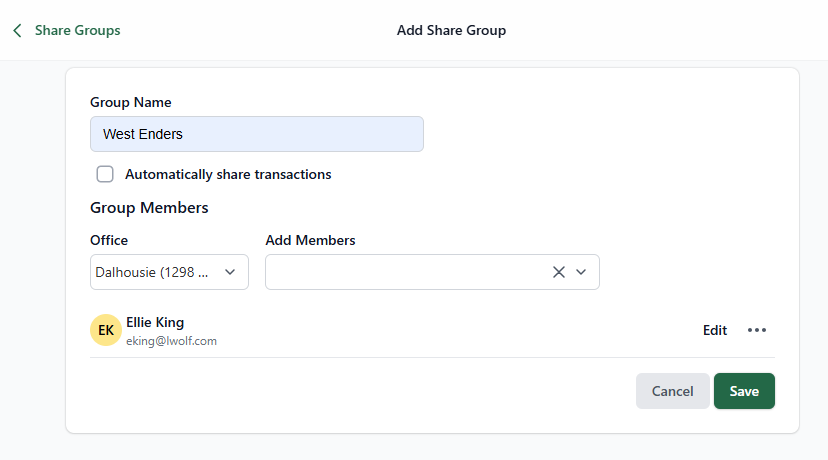
What this means for you:
- No more one-off sharing or hunting for access—shared transactions show up for everyone automatically.
- Teams, partners, and office groups can collaborate in real time, with full visibility into active files.
- Agents get the flexibility they need to cover for each other, and admins get cleaner, more organized access across shared deals.
This is a big step forward for offices who work collaboratively or rely on team-based support models.
Transaction Enhancement: Office Selection Improvements (Broker Admins)
When creating or updating checklists and templates, admins will now see office addresses under each office name in the dropdown.

Why this matters:
- Fast, confident selection—no more guessing which “Downtown Office” is which.
- Cleaner setup for multi-office brokerages.
- Fewer mistakes and less rework when assigning the right office resources.
A small update with big impact for managing compliance and consistency across locations.
See What's new in Transact for more information.
_____________________________________________________________________________________________________________________________
Lone Wolf Foundation
At-Risk Agents & Year-Over-Year Growth Insights
In the broker dashboard, the Agent Productivity tile now includes:
- A new At Risk section highlighting the three agents whose production has declined most YoY.
- Year-over-year growth percentages shown for both Top Producers and At Risk agents.

Why this is powerful for brokers:
- Quickly identify agents who may need coaching, support, or engagement.
- Track growth trends across your top performers.
- Get a clearer picture of office health with context—not just raw numbers.
These insights help you be proactive rather than reactive, strengthening both agent success and brokerage performance.
Dashboard Enhancements: Condensed Setup Process
We’ve streamlined the Foundation Dashboard setup from four steps to just one, making it significantly faster to get up and running.

Why this matters:
- Immediate access to key business insights without lengthy configuration.
- Faster onboarding for new brokers and admins.
- More time using the data—not setting it up.
This improvement helps you start making informed, data-backed decisions right away.
NEW: eCommission Integration
You can now apply for commission advances directly through Foundation, thanks to our new integration with eCommission.
Agents simply click Get Paid Now in the Estimated Commissions tile to start the request.
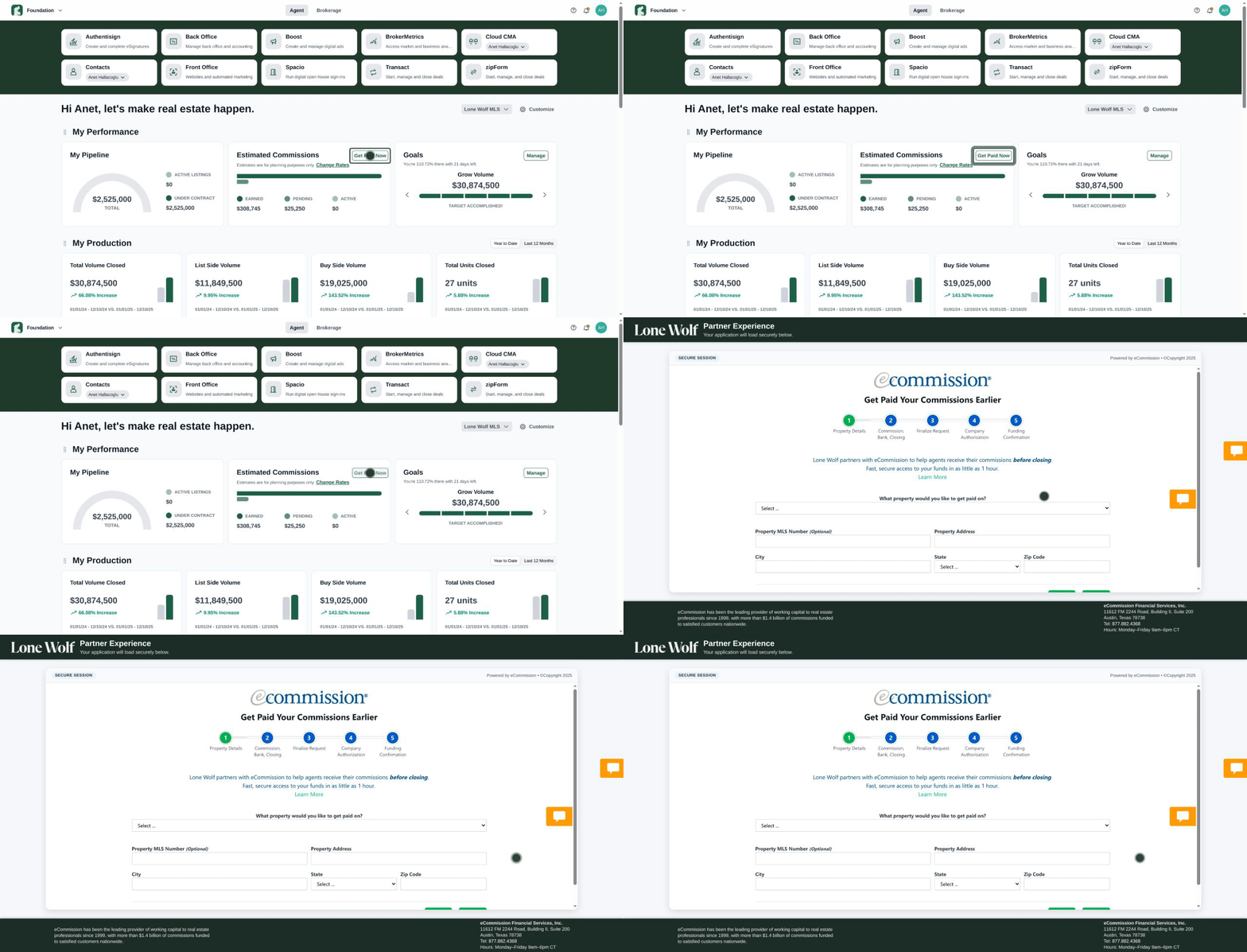
See Apply for a commission advance (Lone Wolf Foundation) for instructions.
Benefits:
- Removes the friction of going to another system to request an advance.
- Speeds up cash flow for agents who want their commission sooner.
- Keeps financial workflows all in one place, tied back to the transaction data you already trust.
It’s a smoother, smarter way to manage commission timing.
See What's new in Foundation for more information.
_____________________________________________________________________________________________________________________________
Lone Wolf Front Office
Improvements to the Page Designer Tool
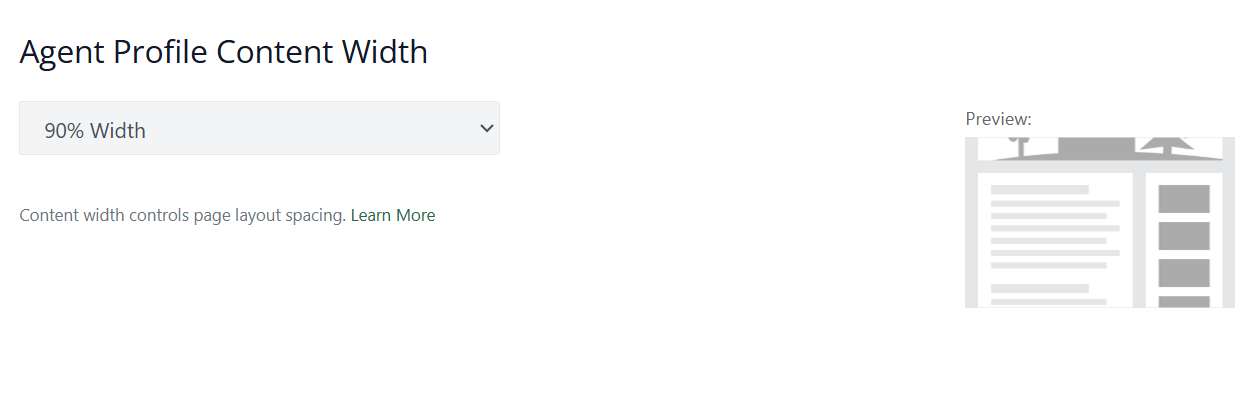
We’ve enhanced the Page Designer in Front Office to give you more control over your website’s layout and overall look. Users can now adjust the page content width, helping reduce excess white space and create a more polished, modern appearance across website pages.
Why this matters:
- Build cleaner, more visually balanced website pages
- Improve readability and user experience for visitors
- Give your brand a more professional, intentional online presence
- Easily fine-tune layouts without needing design experience
You can update your page width by navigating to:
Website tab → Website Builder → Page Designer
See Configure page designs (Front Office) for more information.
Stay in the loop
We’ll publish Release Notes every month to keep you informed about what’s new and what’s next. Check back for our monthly updates, and in the meantime, explore additional how-to guides and knowledge base articles to get the most out of your Lone Wolf tools.
Other resources
See more eBooks, webinars, and blog articles to help you stay ahead with strategies designed for your success.